Your home should be a sanctuary—a place where you feel safe and secure.
However, with the unfortunate rise in burglaries and break-ins in South Africa, it's crucial to take proactive steps to protect your home and loved ones.
Fortunately, our technology has made it easier than ever to enhance safety for you and your loved ones through the use of our safety app. In this post, we will explore some effective home safety tips that can help prevent burglaries and break-ins while also highlighting how the Namola app can further bolster your home's security.
Install a reliable security system
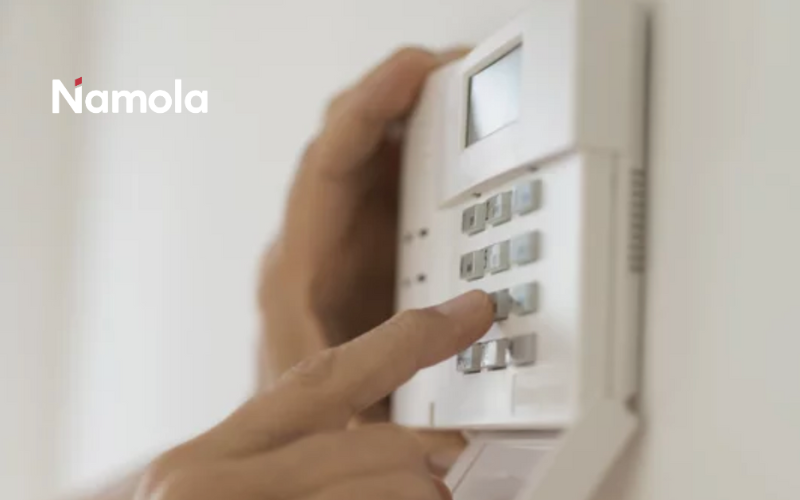
Investing in a good security system is one of the most effective ways to safeguard your home. Consider installing a combination of burglar alarms, motion-sensor lights, security cameras, and ensure you have the Namola app downloaded on your phone.
These systems act as deterrents and provide valuable evidence in the event of a break-in. Opt for a security system that can be remotely monitored, allowing you to keep an eye on your home even when you're away.
Tip: Namola Plus will alert the closest private emergency response unit to your location and will assist you as soon as you press the SOS button. This service is available to you anywhere in South Africa, not only when you are at home.
Namola responds to a crime incident in under 2 and a half minutes.
Reinforce doors and windows
Intruders will often exploit weak entry points, such as doors and windows. Strengthen your home's security by ensuring all your doors are made of solid core material and have sturdy locks. Install a peephole or a video doorbell to verify visitors before opening your door. Additionally, reinforce windows with security film, window locks, or metal grilles to deter potential intruders.
Secure your perimeter
Install a fence or wall around your yard and make sure it's in steady condition with no easy access points. Trim your shrubs and bushes near your windows and entry points to eliminate hiding spots. Getting adequate outdoor lighting, especially around entrances and pathways, can discourage burglars by increasing visibility.
Adopt smart home technology
Use technology to enhance your home's security. Smart door locks allow you to remotely control and monitor entry into your home. You can receive alerts when doors are unlocked or opened, granting you peace of mind. Similarly, smart lighting systems can be programmed to turn on and off at specific times, giving the impression that someone is home, even when you're away.
Tip: Ensure you test your Namola app frequently to know how to log an emergency should you ever need to. Learn how to test your Namola app here.
Be cautious with spare keys
Leaving spare keys under doormats or flower pots is an open invitation for intruders. Instead, we would recommend giving your spare key to a trusted neighbour or investing in a secure keyless entry system. If you must hide a spare key, be sure to choose an unconventional and discreet location that is not easy to find.
Try not to advertise your absence
When you're away from home, take the necessary steps to make it appear as if people are home. Use timers to switch your lights on, get a house sitter in and off, and ask a neighbour to collect your parcels if necessary. Avoid sharing your travel plans on public platforms or your social media, as this information can be exploited by potential criminals.
Remember, a well-protected home not only safeguards you and your valuables but also provides you with the peace of mind you deserve.
Stay vigilant, be prepared, and prioritise your home's safety.
—
In addition to following these home safety tips, the Namola App can provide an extra layer of security.
Namola allows you to quickly and easily alert emergency services in case of a security threat or suspicious activity. With just a few taps on your smartphone, you can request assistance and share your location with the relevant authorities, ensuring swift action when it matters most.
Namola Plus gives you access to Armed Response and Private Medical Response anywhere and anytime you may need it.
Download the Namola app for free here. Upgrade your plan to Namola plus, and get the first month for FREE.
Simply tap the N+ tab in your app and choose a plan that suits you and the needs of your loved ones. If you have any questions about the Namola app, tap your "SOS" button and select "Test" to speak to the operator on the other end of the line.
Namola Plus Plans
Individual Plan (1 user) - R59 per month or R 649 per annum
Couples Plan (2 users) - R 99 per month or R999 per annum
Family Plan (Up to 5 users) - R129 per month or R 1299 per annum
—